
Maintenance software driven by machine run data
Preventive maintenance triggered by the hours and cycles your machines actually ran, alerts when a temperature or current leaves its normal band, and reliability reports built from the same data as the shift report.
For: Maintenance managers, reliability engineers and maintenance planners
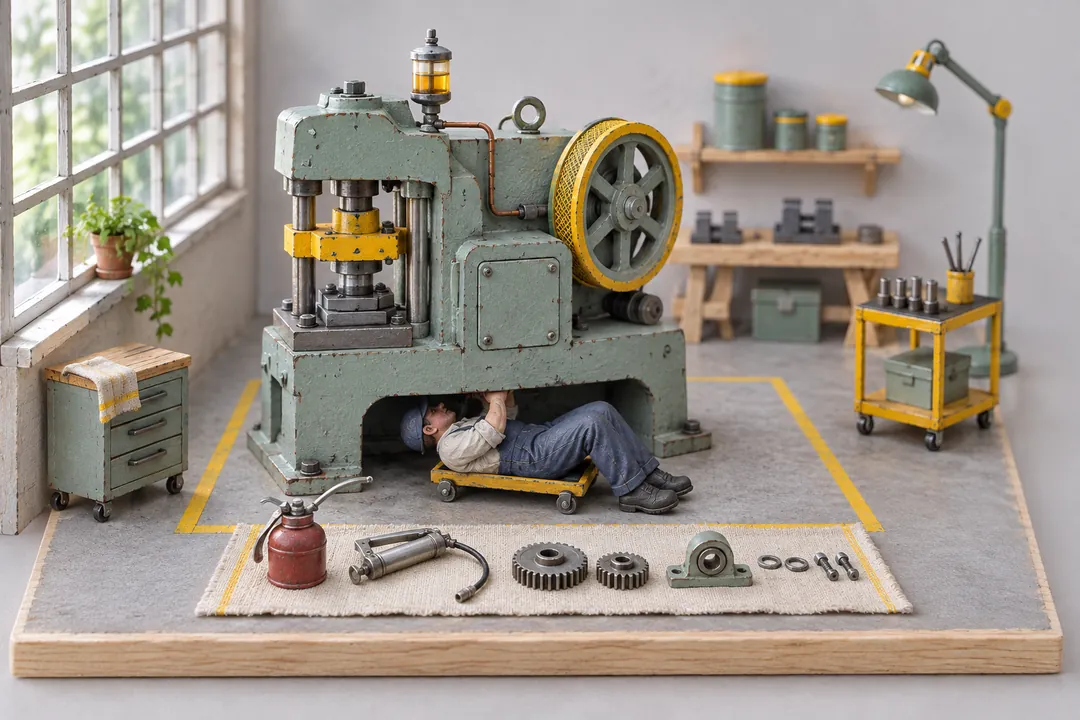
Most preventive maintenance still runs on the calendar. A filler that ran two shifts last week gets the same service as one that ran half a shift, and maintenance hears about a hot motor when it trips. The information needed to do better is usually already being collected for other reasons: the machine state that production monitoring reads is a run-hour meter, the good count is a cycle counter, and the temperatures and currents on the line show when something is working harder than it should.
Maintenance software uses those signals to trigger work at the right time and to measure how reliable each asset is. It works alongside the maintenance system you already have, not instead of it.
What the software does
- Usage-based PM triggers. Run hours are counted only while the machine is in its running state, and cycles come from the machine’s own count. A PM task fires when its interval is reached, with a warning beforehand so the planner can fit it into a planned stop.
- Condition alerts. A temperature, vibration level, motor current or pressure outside a band you set, for longer than a time you set. The time delay keeps one spike from sending an alert. These are rules you can read and change, not failure predictions.
- Work requests. Where you have a CMMS, triggers and alerts create work orders in it through its API or a file exchange. Where you have none, a simple work request flow covers request, assignment and close-out with notes.
- Reliability reports. PM compliance, mean time between failures (MTBF), mean time to repair (MTTR) and stops by fault code, by asset and by period.
Assets are named in the same ISA-95 style hierarchy as the rest of your data (site, area, line, cell, asset), so a work order, a fault code and a stop on the shift report all point to the same machine.
Definitions, written down first
Reliability numbers are easy to calculate and easy to argue about. We agree the definitions with your maintenance lead and put them in the data dictionary:
| Measure | Formula | The question to settle |
|---|---|---|
| MTBF | Operating hours ÷ failures | What counts as a failure: any stop, or only one that needs maintenance? |
| MTTR | Total repair time ÷ failures | When does repair time start and stop? |
| PM compliance | PM work orders completed within the window ÷ PM work orders due | How wide is the compliance window? |
| Preventive share | PM hours ÷ (PM hours + corrective hours) | Which work orders count as corrective? |
Operating hours exclude the repair time itself. Once set, the definitions stay fixed so this quarter can be compared with the last; any change is logged.
The questions maintenance leads ask
Do we have to replace our CMMS?
No. OpenGXT does not replace an existing CMMS. We integrate with it: run hours, counts and alerts go in as meter readings or work orders, and completed work orders come back so PM compliance and MTTR can be reported next to the machine data. Work requests in our software are only for plants that have no CMMS.
Can PMs trigger from real run hours?
Yes, wherever the machine’s running state is read. Idle, down and planned stop time do not count toward the interval. If a machine’s state cannot be read directly, a current sensor on the motor feed can show when it runs; your electricians or a licensed contractor install it.
Who gets alerts?
The people you name, by role, asset and shift, through the channels agreed in the pilot plan, such as email or the shift board. Each alert lists the asset, the signal, the limit and how long it was exceeded. Alert rules and recipients go into the administrator runbook, and changes to them are logged.
Example (fictional). A fictional beverage bottler’s Line 2 filler ran 375 minutes of its 480-minute first shift, so its run-hour counter advanced 6.25 hours, not 8. The capper chuck inspection, which used to be on the calendar, is set to every 250 run hours, and a work order is created in the bottler’s CMMS at 225 hours, giving the planner 25 run hours, about four shifts like this one, to schedule it. The 07:41 bottle feed jam is logged with its fault code. The operator cleared it in 11 minutes, so under the bottler’s written definition it is not a failure, because maintenance was not called. Over a fictional four weeks, the filler ran 125 hours and had 5 stops that needed maintenance, with 4 hours of repair in total: MTBF is 125 ÷ 5 = 25.0 hours and MTTR is 4 ÷ 5 = 0.80 hours. Check the same numbers in the MTBF and MTTR calculator.
What you provide and what you receive
| You provide | You receive |
|---|---|
| A list of assets, starting with the critical ones | Usage triggers and condition alerts for each asset |
| PM tasks and their intervals | A work request flow, or integration with your CMMS |
| Access to your existing CMMS, if you have one | PM compliance, MTBF and MTTR reports |
| Alert recipients by role and shift | Written definitions in the data dictionary |
| A maintenance lead who owns the rules | Onboarding for planners and technicians |
Where to start
Start with the few assets whose failures cost the most, usually on one line. Measure how your PM program is doing today with the PM compliance calculator, then plan a pilot line that moves those assets from the calendar to their run data. More on preventive and condition-based maintenance is in The Plant Data Journal’s maintenance and reliability articles.
Start with one line.
Tell us which line you want to understand and the question you ask after every shift. We reply with questions or a time to walk it with you.