
Machine connectivity for PLCs, CNCs, sensors and meters
We survey your equipment, read each machine through the open protocol it already speaks, and install a small gateway that sends the data outbound to the hosted software, with every signal named, written down and tested.
For: Controls engineers, maintenance leads and IT/OT leads
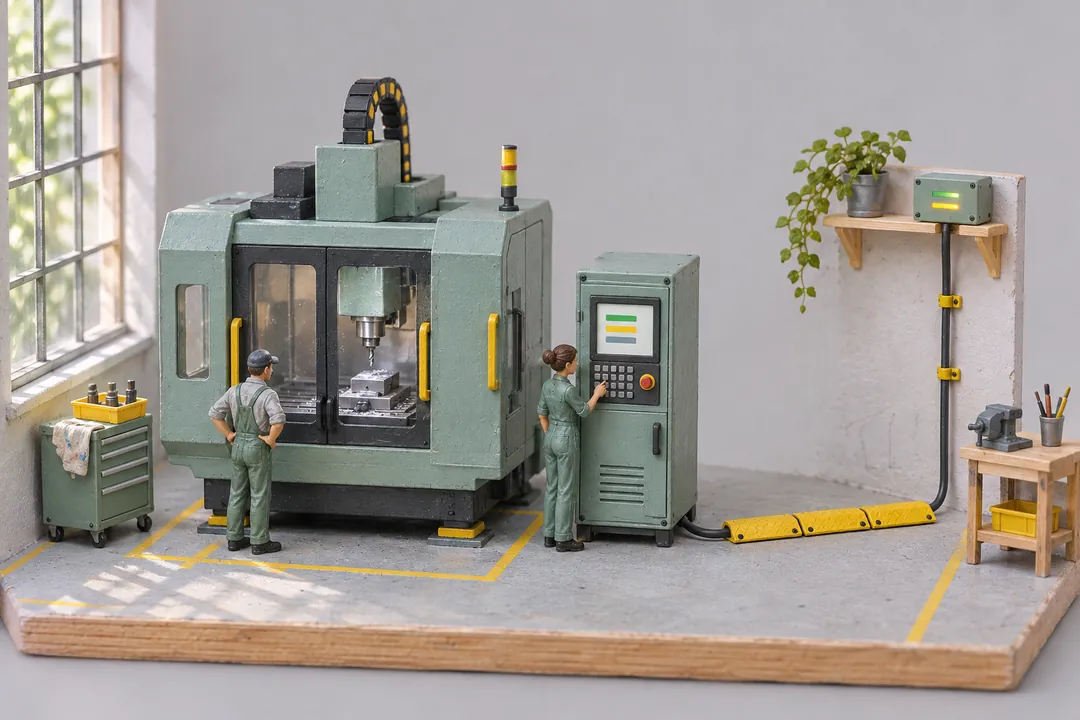
In most plants the data is already there. The filler’s PLC knows whether it is running and how many bottles it has filled. The CNC controller knows which program is loaded and whether the spindle is turning. The power meter on the panel knows how many kilowatts the line is drawing. The trouble is that each one speaks a different protocol, and nobody has written down which register holds the count. Machine connectivity is the work of reading those signals reliably, naming them the same way everywhere, and documenting them so someone other than the person who set them up can keep them running.
Production monitoring, quality data, maintenance triggers and energy per unit all read the signals connected here.
What the work covers
- Equipment and data survey. We walk the line with the person who knows it and list every controller, its model and firmware, its network or serial ports, and any HMI or SCADA already reading it. For each shift question, we note which signal answers it. The output is a survey report and a signal inventory.
- Protocol selection. For each machine, the open interface it already offers, chosen from the table below.
- Edge gateway. A small industrial computer on your network that reads the equipment, timestamps each value and sends it outbound to the hosted software.
- Naming. Every signal gets a path in an ISA-95 style hierarchy (site, area, line, cell, asset), so the same metric has the same name on every line.
- Store and forward. The gateway buffers data while the internet connection is down and sends it when the connection returns.
- Testing. Each signal is checked against the machine before anyone relies on it, and the result goes into a test record.
Reading each machine through the interface it already has
| Equipment | Interface we usually use | What to know |
|---|---|---|
| Controllers with an OPC UA server | OPC UA (published by the IEC as the IEC 62541 series) | Tags can be browsed by name, and sessions can be encrypted |
| Power meters, drives, temperature controllers, older PLCs | Modbus TCP, or Modbus RTU over a serial line | Needs the register map from the manual; values are often scaled integers |
| CNC machines with an MTConnect agent | MTConnect | A common data model for machine tools; checked machine by machine |
| Packaging machines that publish PackML states | PackML state model, read as tags | Standard states shorten configuration |
| Devices and systems that already publish MQTT | MQTT, with Sparkplug B where used | Birth and death messages show whether a device is online |
| Databases, historians, test stands | SQL queries or CSV files on a schedule | Read-only accounts, agreed with your IT team |
OPC UA is a platform-independent, service-oriented architecture that the OPC Foundation released in 2008. MQTT is an OASIS standard, lightweight publish/subscribe protocol. Sparkplug adds birth and death certificates and, in the Eclipse Foundation’s words, “requires no open port for edge of network devices”. We pick the simplest option that gives a reliable value and write the reason into the connection plan.
The questions we hear first
Will it work with our old machines?
Often, and we check each one. Age matters less than what the controller exposes. An older PLC or meter with a serial port can often be read over Modbus RTU. If a controller speaks none of the protocols above, the survey report says so and lists the options, such as an OPC UA server for that controller family, a protocol converter, or a sensor added beside the machine.
Do you change PLC programs?
Not by default. The gateway reads, with read-only access to controllers. Sometimes a signal exists only inside the program, such as a reject count that is never moved to a readable register. In that case we write down the change needed, and your controls engineer makes it or approves it. We do not change PLC or CNC programs without the plant’s controls engineer.
What touches our network?
The gateway, and only on the network segment you assign to it. It makes outbound, encrypted connections to the hosted software, so no inbound ports are opened on the plant network. Credentials are kept in a password vault, never in documents or email. Your IT team receives a data-flow and network diagram before anything is installed. Our security page covers the rest.
What if a machine has no network port?
Then we measure it from outside. A current sensor on the motor feed can show whether a machine is running, and a photo-eye can count parts. Wiring and panel work is done by your electricians or a licensed contractor; we specify the sensor and the signal it should produce.
Naming signals so they stay findable
A unified namespace is an architecture pattern, not a standard: every signal is published under one consistent hierarchy, so any authorized application can find it. We use ISA-95 style levels in the topic path, for example example-co/casper/packaging/line-2/filler/state. In Sparkplug B, the group, edge node and device form the topic and the metric name travels inside the payload. The full scheme goes into a topic namespace document. Try your own plant’s levels in the topic namespace builder.
Example (fictional). For a fictional beverage bottler’s Line 2 filler, the signal inventory has ten rows: machine state, good count, reject count, active fault code, line speed, capper torque, two temperatures, the line’s electricity meter and compressed-air flow. The filler’s controller offers OPC UA, so the first eight are read as named tags. The electricity meter is read over Modbus TCP and the air flow meter over Modbus RTU. In the test shift, the gateway’s total count reads 41,212 at 14:00, the same as the filler’s own counter, and the bottle feed jam at 07:41 appears with the same fault code the HMI showed. Both checks go into the test record before the first shift report is sent.
What you provide and what you receive
| You provide | You receive |
|---|---|
| An equipment list for the line | A signal inventory with units, ranges and sample rates |
| Controller models and firmware versions | A connection plan, machine by machine |
| Your network access rules and an IT contact | The gateway configuration and a data-flow and network diagram |
| A person who knows the line | A topic namespace document |
| Access windows that suit production | A test record for every signal |
Before the survey
List your equipment in the signal inventory worksheet and go through the machine connectivity checklist with your controls and IT people. Then plan a pilot line: one line connected, tested and documented against a written pilot plan, as described in how we work.
Start with one line.
Tell us which line you want to understand and the question you ask after every shift. We reply with questions or a time to walk it with you.