
Machine connectivity checklist for plant equipment
Twenty items in four groups for a plant to confirm before anyone connects a gateway to a machine. Tick them as they are confirmed and download the list for the project file.
For: Controls engineers, maintenance leads and IT/OT leads planning a connection
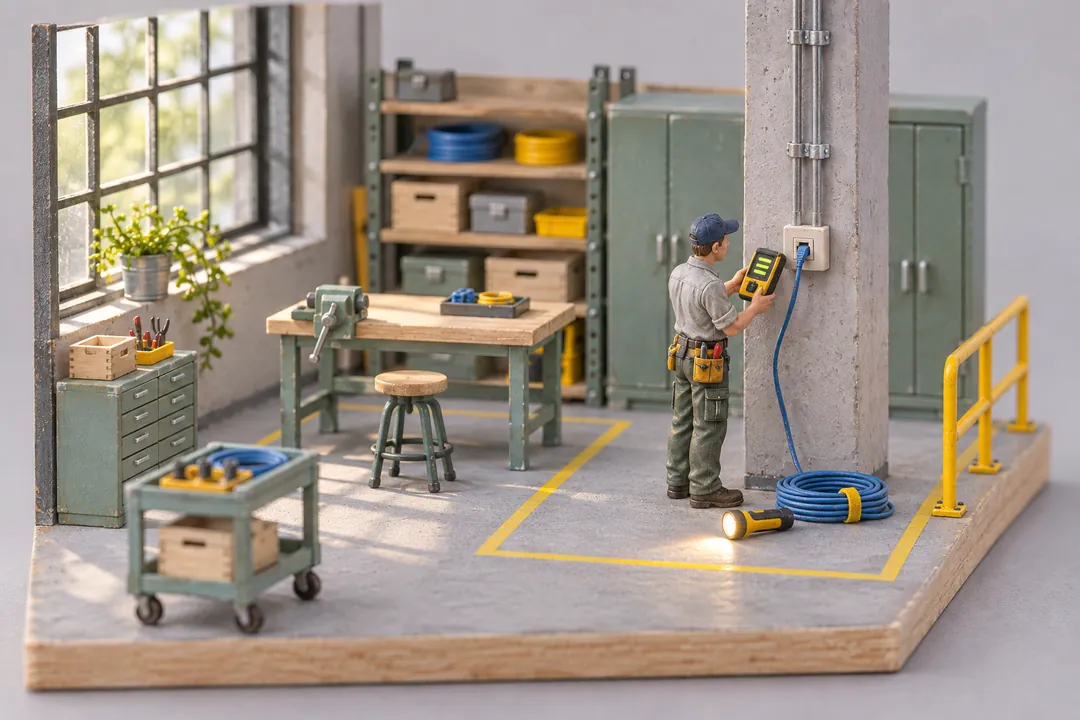
Checklist
Most machine connection problems are discovered on the first day at the machine: the controller is older than the drawings say, there is no free port, two devices share an address, or nobody can say which tags are safe to read. Each of those is cheap to find on paper and expensive to find with a laptop plugged into a panel during production. This checklist moves those findings forward, to before the first connection.
How to use it
The plant’s controls engineer leads, with the IT or OT lead for the network group and a maintenance lead who knows the machines. Work through one line first, not the whole plant. Tick an item only when someone has seen it confirmed (on the controller, in the drawing, in the firewall rule), not when it is believed to be true. Items you cannot tick are not automatically blockers: give each one an owner and a date. Then download the CSV and keep it with the survey report and the signal inventory.
Why each group matters
Equipment and controls
Everything else depends on knowing each controller and its firmware version, because that decides what the machine can offer: some controllers have an OPC UA server built in, some offer Modbus, CNCs may offer MTConnect, and some older machines have no usable controller at all. Those machines can still be read through an added sensor, a current transformer or an I/O module, installed by the plant’s electricians or a licensed contractor.
The item that is easiest to tick too early is the last one: that the controls engineer has confirmed which tags can be read without changing the program. A count that appears on the HMI does not always exist as a readable tag in the controller.
Network
The drawing and the fixed addresses are routine. The gateway location is the item that surprises people: the spot that suits the machines has no power or no network drop. Request the firewall rule for the gateway early, too. OpenGXT gateways connect outbound only, so no inbound ports are opened on the plant network, but the outbound rule still has to be approved by whoever runs the firewall.
Protocols and data
Choose the protocol per machine, not per plant. For OPC UA, agree the certificates and security policy in advance; the gateway and the server each have to trust the other’s certificate, and that step is easy to forget until the first connection fails. Agree the tag naming pattern before the first tag is mapped (the topic namespace builder helps), and set sample rates and report-by-exception per signal rather than one rate for everything (the data volume estimator shows why).
Clock synchronization is the quiet item. If a controller or gateway clock drifts, a stop at 13:58 lands in the wrong shift and the shift report disagrees with the supervisor. Take timestamps from a clock synchronized by NTP, at the source or at the gateway.
Change control and safety
This group protects production, and it is where OpenGXT’s defaults sit: read-only access to controllers unless writing is explicitly in scope, no program changes without the plant’s controls engineer, and panel work only under the plant’s lockout and tagout rules. Schedule the first connection for a planned stop, even when it is read-only, so any surprise costs no output.
Example (fictional). Walking Line 2 at a fictional beverage bottler, the team ticks 16 of the 20 items. Four stay open: there is no network drop where the gateway should go, the gateway has not yet been set to trust the filler’s OPC UA certificate, the capper’s controller clock is four minutes fast, and no planned stop is booked for the first connection. Each goes on the action list with an owner and a date, and the connection plan waits for the network drop and the planned stop.
Common mistakes
- Ticking items from memory or from old drawings.
- Leaving the network group until the week of installation.
- Treating write access as in scope because the protocol allows it.
- Skipping clock synchronization because one quick test looked right.
- Running the checklist for the whole plant at once instead of the pilot line.
What happens next
In an OpenGXT project, this checklist feeds the Connect stage: a connection plan for each machine and a per-signal test record showing that each value was read, scaled and timestamped correctly. See how machine connectivity works, how plant network access is handled on the security page, and what to confirm on the security side with the OT security checklist.
Start with one line.
Tell us which line you want to understand and the question you ask after every shift. We reply with questions or a time to walk it with you.