
Equipment and energy data for cold storage
Temperatures, door open time, compressor and defrost runtime and energy by room on one timeline, with alerts to the people you name. Your refrigeration controls stay in charge.
For: Facility managers, refrigeration and maintenance leads, and energy managers
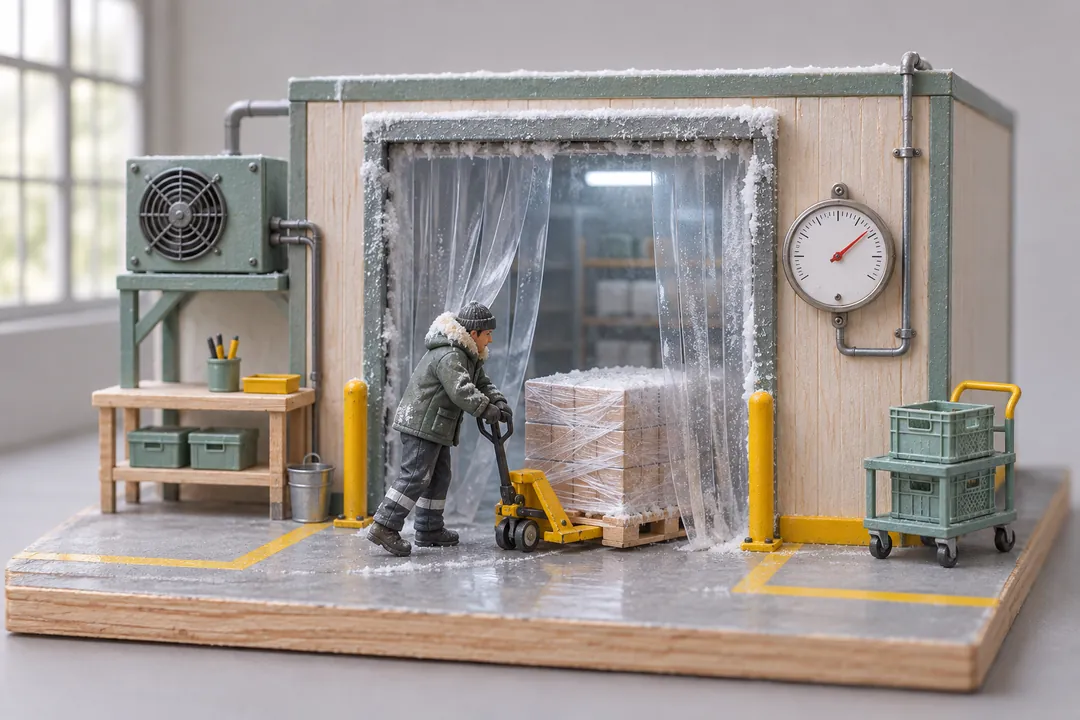
A refrigerated warehouse runs on a few numbers that move together: room temperatures, how long the doors stay open, how hard the compressors work and how often the evaporators defrost. The refrigeration controller sees most of them, but it is built to hold rooms at setpoint, not to tell the facility manager why compressor runtime rose on Thursday’s second shift or which room uses the most energy.
OpenGXT builds hosted software that brings those signals onto one timeline, reports them by room, door and shift, and keeps it running after go-live. This page is about equipment and energy only. OpenGXT does not do inventory or pallet tracking, product traceability, or food safety or temperature compliance records.
What the software reads
- Temperatures: room return-air and dock temperatures, from the refrigeration controller or from added sensors.
- Doors: open and close events and open time per door, from door switches.
- Compressors and condensers: run status, runtime and starts, and suction and discharge pressures where the controller reports them.
- Defrost: the start and end of each defrost cycle per evaporator, and how long the room takes to recover afterward.
- Electricity: from the main refrigeration meter and any submeters on compressors, condensers, evaporator fans or defrost heaters.
- Alarms raised by the refrigeration controller, with their times.
Readings come through the controller’s own interface where it offers one, such as Modbus or an OPC UA server, or from separate sensors that publish over MQTT. Which applies to your system is confirmed during the equipment and data survey, and every signal is listed in the signal inventory with its unit and range.
Questions facilities ask first
Can it alert on temperature excursions?
Yes, as a second view. You set the thresholds, for example a room above a set temperature for more than a set number of minutes, and name who receives each alert. Acknowledgements are logged with a time and a name. These alerts do not replace the alarms in your refrigeration control system, which stay the primary alarm path. One reason: if the building’s internet connection drops, the gateway buffers readings and sends them when the connection returns, so a hosted alert can arrive late. The controller’s local alarms do not depend on the internet.
Does it replace our refrigeration controls?
No. The gateway reads the controller; it does not write to it. OpenGXT does not change setpoints, defrost schedules or compressor sequencing, and does not start or stop equipment. Your refrigeration contractor keeps that work. Read-only access is the default described on our security page.
Can it show energy by room?
Usually, with a written method. Rooms rarely have their own meter, because compressors serve several rooms. Energy by room is therefore allocated: submetered loads such as evaporator fans and defrost heaters go to their room, and shared compressor energy is split by a rule you agree, such as each room’s share of evaporator runtime. The rule goes into the data dictionary, so the numbers can be compared from month to month. Energy per pallet position uses the room’s rated number of positions, a fixed figure from your layout, not live occupancy, because the software does not track inventory. See energy monitoring and try the arithmetic with the energy per unit calculator.
Runtime, defrost and maintenance
Compressor runtime and starts, condenser fan runtime and defrost counts feed maintenance software, so service tasks can follow actual running hours rather than the calendar. A defrost that runs long, or a room that recovers slowly after defrost, shows up in the weekly report for the maintenance lead and the refrigeration contractor to look at. The software points to where to look; the diagnosis stays with the people who know the system.
Example (fictional). A fictional refrigerated warehouse keeps Freezer Room 2 at a setpoint of -10°F. Its hosted alert is set at -2°F for more than 15 minutes and goes to the shift lead and the refrigeration contractor. On a Thursday second shift, 15:00 to 23:30, the door between Room 2 and the dock opens 64 times for a total of 186 minutes; on the previous four Thursdays it averaged 95 minutes. One opening runs from 19:12 to 19:53, 41 minutes. During it, the room’s return-air temperature passes -2°F at 19:30, the alert fires at 19:45, and the shift lead acknowledges it at 19:51. The door closes at 19:53, and the room is back below -2°F at 20:04, 34 minutes after it crossed the threshold. The next morning’s report puts the door, the temperature and the compressors on one timeline: the lead compressor ran 7.4 hours on that shift, against an average of 6.1 hours for the same shift on the previous four Thursdays. The facility manager takes the door times to the dock lead. Whether any product was affected is a judgment for your own quality procedures; the software does not make it.
What you provide and what you receive
| You provide | You receive |
|---|---|
| Refrigeration controls documentation and your contractor’s contact | A signal inventory of temperatures, runtimes, defrost and alarms, read-only |
| A sensor list with locations, and where new sensors may be needed | Temperature and runtime dashboards by room and dock |
| Alarm thresholds and who should receive each alert | Alert routing with acknowledgements logged |
| A door list and how each door is sensed | Door open-time analysis by door and shift |
| Utility bills and any submeter data | Energy by room or by system, and per pallet position |
| Facilities and maintenance contacts | Onboarding, quick guides, hosting and support after go-live |
Starting with one room
A pilot usually connects one room and its dock door, together with the refrigeration meters. The written pilot plan names the signals, the thresholds, the alert recipients and the acceptance measures: do the temperatures match the controller’s display, do the door events match what the dock lead saw, and do alerts reach the right people. If they do, the same model extends to the other rooms. See how a pilot for one area is set up, and how the gateway is configured in machine connectivity.
Start with one line.
Tell us which line you want to understand and the question you ask after every shift. We reply with questions or a time to walk it with you.