
Machine monitoring for CNC shops and fabricators
Know which machines were cutting on each shift, how long setups really took and whether the cycle times you quoted held up, read from the controls instead of from memory.
For: Shop owners, production managers, estimators and lead machinists
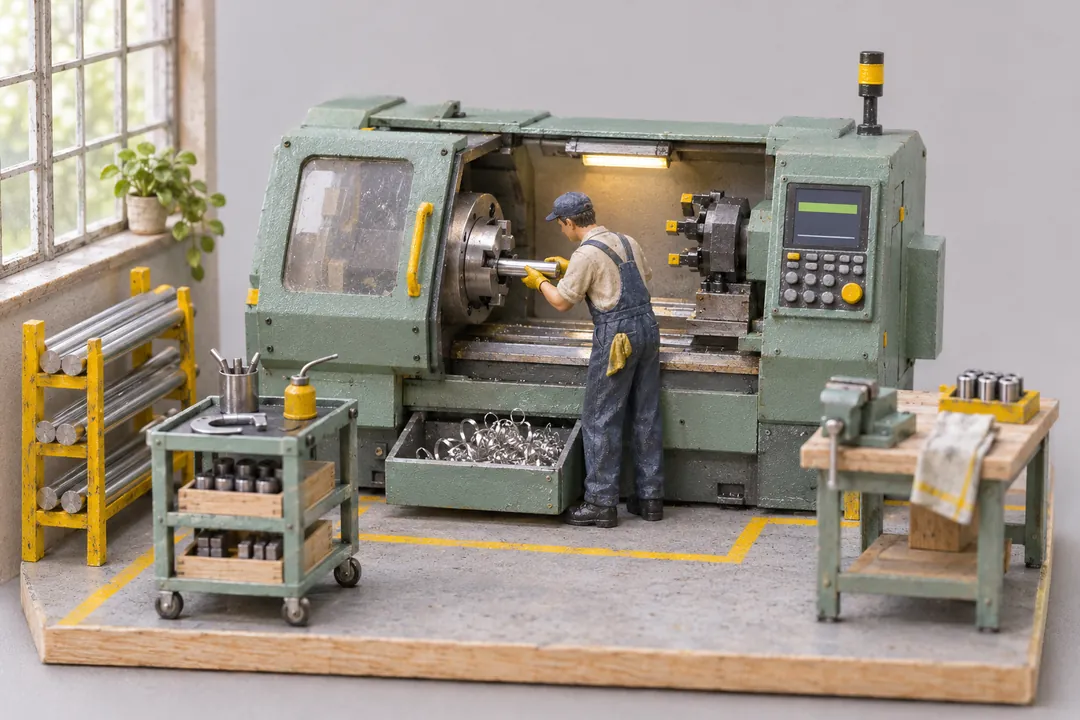
In a job shop the spindle is the clock. When it is turning, the shop is earning; when it is not, someone wants to know why. Few shops can say how many hours each machine spent cutting, setting up, waiting for a first-article check or sitting idle with no job loaded, or whether the cycle times in last month’s quotes held up on the floor.
OpenGXT builds hosted software that reads those answers from the machine controls themselves, and keeps it running after go-live. It covers CNC machining centers and lathes, and fabrication equipment such as press brakes, lasers and welding cells wherever a run signal and a part count can be read.
What the software reads from each machine
Where a control provides an MTConnect agent, an OPC UA server or another documented data interface, the gateway reads signals such as:
- Execution state: running a program, stopped, interrupted or in alarm.
- Active program and part count, so each cycle can be tied to a part number.
- Spindle and feed: spindle speed or load and feed-rate override, where the control exposes them.
- Alarms and messages, with their codes and times.
- Tool-life counters, where the control keeps them.
Older machines without a network interface can usually still give a cycle-start signal, an in-cycle lamp and a part-count pulse, read through a small I/O module. Any wiring is done by your electrician or a licensed contractor. Every machine, and what it can provide, goes into the signal inventory during the equipment and data survey. The machine connectivity service describes the gateway.
Questions shops ask first
Will it read our controls?
We do not claim compatibility by brand. The brand on the control matters less than the interface it offers and how it is configured: an MTConnect agent may be built in, sold as an option or not available at all; an OPC UA server may need to be enabled; some controls need the builder’s own data interface. We check each machine during the survey and record what it can and cannot provide before anything is promised. If a machine cannot be read the way you hoped, you find out in the survey report, not after go-live. The machine connectivity checklist lists what to gather before that visit.
Can we see utilization per machine and per shift?
Yes, and we write down what utilization means before the first report. Shops use the word for different things: in-cycle minutes over scheduled minutes, spindle-running minutes over scheduled minutes, or cutting minutes over every hour in the week. Each gives a different number for the same machine. The definition you choose goes into the data dictionary, and the shift report uses it every time. For cells that run repeat work, the software can also calculate OEE as defined by the Lean Enterprise Institute; the OEE calculator shows the arithmetic.
Does it tie to jobs?
It can. The operator picks the job from a list on the machine screen when it starts, or the active job is read from your ERP or job-tracking system through its API or an export file. Once a cycle is tied to a job and part number, the software compares actual cycle time and setup time with what you quoted. For an estimator, it shows which part families are quoted tight and which have room.
Setups, first articles and tool life
Setup time is measured from the last good part of the previous job to the approval of the first part on the new one, and split where the data allows: program load and fixture change, first-article inspection, and adjustments. A long setup that is mostly waiting for an inspector is a different problem from one that is mostly fixture work, and the report shows which one you have.
First-article records are kept as digital check sheets in quality data: the characteristics from the drawing, the measured values, who checked them and when, tied to the job, machine and shift. Tool-life counts, where the control keeps them, can raise a reminder before a tool reaches its limit, using the usage triggers in maintenance software.
Example (fictional). A fictional contract machine shop runs a vertical machining center, VMC 3, on first shift from 06:00 to 14:30 with a 30-minute lunch: 480 scheduled minutes. The job is 60 aluminum brackets, quoted at a 6.0-minute cycle and a 45-minute setup. The shift report shows 72 minutes of setup, 25 minutes waiting for the first-article check, 312 minutes in cycle, 18 minutes of tool changes and offset adjustments, and 53 minutes idle with no reason entered, which together account for all 480 minutes. In-cycle utilization is 312 ÷ 480 = 65.0%. The machine made 48 brackets, so the actual cycle averaged 312 ÷ 48 = 6.5 minutes, half a minute over the quote; at the quoted cycle those 48 parts would have taken 288 minutes. The setup ran 27 minutes over its quote. The question for Monday is not “why only 65%” but which of three things to work on first: the setup, the first-article wait or the quote for this part family. The 53 idle minutes get a short reason list on the machine screen, so the next report can explain them.
What you provide and what you receive
| You provide | You receive |
|---|---|
| A machine list with control models and software versions | A signal inventory showing what each control can provide |
| Job and part numbers, or access to your job list | Utilization and downtime by machine, shift and job |
| Quoted cycle and setup times by part number | Cycle and setup time against quote, by job and part family |
| Your idle and stop reasons, in your shop’s words | A short reason list at each machine and a weekly review template |
| The first-article forms you use today | Digital first-article check sheets tied to job and machine |
| A lead machinist or programmer who knows the machines | Onboarding, quick guides, hosting and support after go-live |
Starting with a few machines
A pilot usually starts with a few machines that run the most hours, or a cell where the shop already suspects setups are long. The written pilot plan names the machines, the signals, the questions the shift report must answer and how you will judge it: do the in-cycle minutes match what the lead machinist saw, and do the part counts match the counter on the control. See how a pilot line is set up, read how production monitoring builds the shift report, or put a cost on idle spindle hours with the downtime cost calculator.
Start with one line.
Tell us which line you want to understand and the question you ask after every shift. We reply with questions or a time to walk it with you.